

Events and weddings
Build a website for your venue or event business
People choosing a venue or an event service want to see the place, understand the packages and check a date. A good page answers those three things and makes the enquiry easy.
What an event website needs
Photos that sell the day
A gallery of real events, opened full screen on a tap.
Packages, clearly
Each way to hire you in an accordion, with what is included and what it costs.
A date enquiry
A form that asks for the date, the number of guests and how to reach the couple or organiser.
How to get there
A map and directions, for guests as much as for buyers.
For a single event
The same blocks work for one wedding, a conference or a launch: the story, the schedule, a countdown to the day, the venue map, and a contact form for questions.
What it does not do
- There is no RSVP or guest list system. A contact form can collect replies, and they arrive by email.
- There is no ticket sales or booking calendar. Link a button to the ticketing or payment service you already use.
Which plan you need
The template uses blocks from the Essential plan ($4.99 a month), such as forms, maps, galleries and tables. Essential gives you up to 10 pages per site, your own domain and no Acyera banner.
You can start free. A free site may publish paid sections for 21 days after its first publish, so you can see your real site live before you decide. The free plan on its own is one page with the basic blocks.
Start from a ready-made design
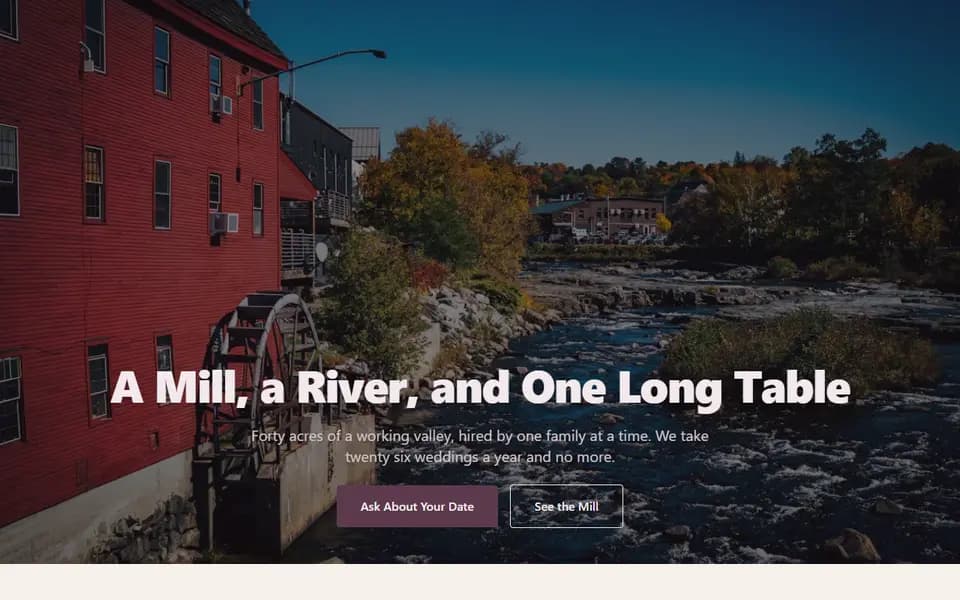
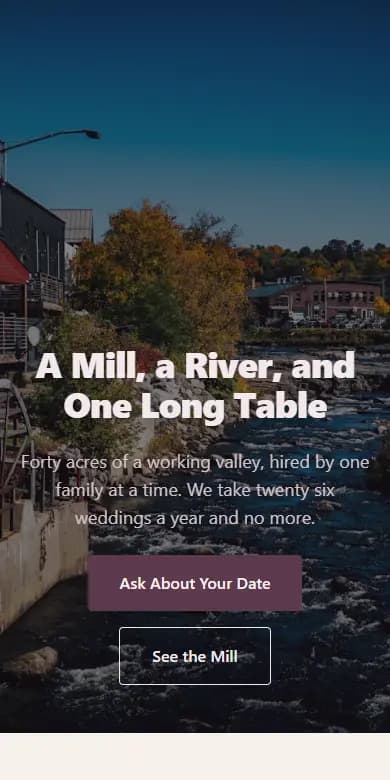
Event venues and weddings
Larkspur Mill
A romantic page for a venue or event business. How the day runs, a photo gallery, packages, and a date enquiry form.
- Tall photo header
- How the day runs
- Photo gallery
- Packages
- Couples speaking
- Countdown to a date
- Enquiry form and map
Opens in the editor with no account needed. Save it to a free account when you are happy.
Questions people ask
Can guests RSVP on the site?
Not with a guest list. You can add a contact form that guests fill in, and each reply arrives in your email.
Can I add a countdown to the date?
Yes. The countdown block counts down to any date and time you set. It is on the Essential plan.
Free guides
Start your website today
Describe your business and get a first page in under a minute, or start from a template. It is free to start.