

Online store
Build an online store that takes orders on WhatsApp
Show your products with photos and prices, let customers add them to a cart, and receive each order as a WhatsApp message or an email. It is made for small shops that sell to people they talk to.
What your shop page can do
Product cards
Turn any product photo into a card with its name, price, currency and an add to cart button.
A cart that sends the order
Customers review their items, then send the order as a ready-written WhatsApp message or through a short email form.
Collections and lookbooks
Group products in image grids and carousels so people can browse a range at a glance.
Where to find you
Add a map, your opening hours and a contact form, so people who would rather visit or ask first can do that too.
How to set up your shop
Start from the shop template
Or describe your shop to the AI page builder and get a first draft in under a minute.
Add your products
Upload a photo for each product, then set its name, price and button text.
Add the cart
Enter the WhatsApp number or email address that should receive orders.
Publish and share
Your shop goes live on a free address like yourshop.acyera.com. Share the link in your WhatsApp status and social posts.
What it does not do
Acyera is a good fit for a small range sold through conversation. It is not a full e-commerce system.
- There is no card checkout on your site. Customers pay you the way you already agree, such as mobile money, a bank transfer, cash on delivery, or a payment link from your own provider.
- There is no stock tracking, so update or remove a product yourself when it sells out.
- There are no shipping rates or delivery calculations.
- If you need hundreds of products with automatic checkout, a dedicated e-commerce platform will serve you better.
Which plan you need
Product cards and the cart are part of the Essential plan ($4.99 a month) and every plan above it. Essential also removes the Acyera banner and lets you connect your own domain.
You can try them before you pay. A free site may publish sections from paid plans for 21 days after its first publish, so you can see your real shop live first.
Start from a ready-made design
Shops and boutiques
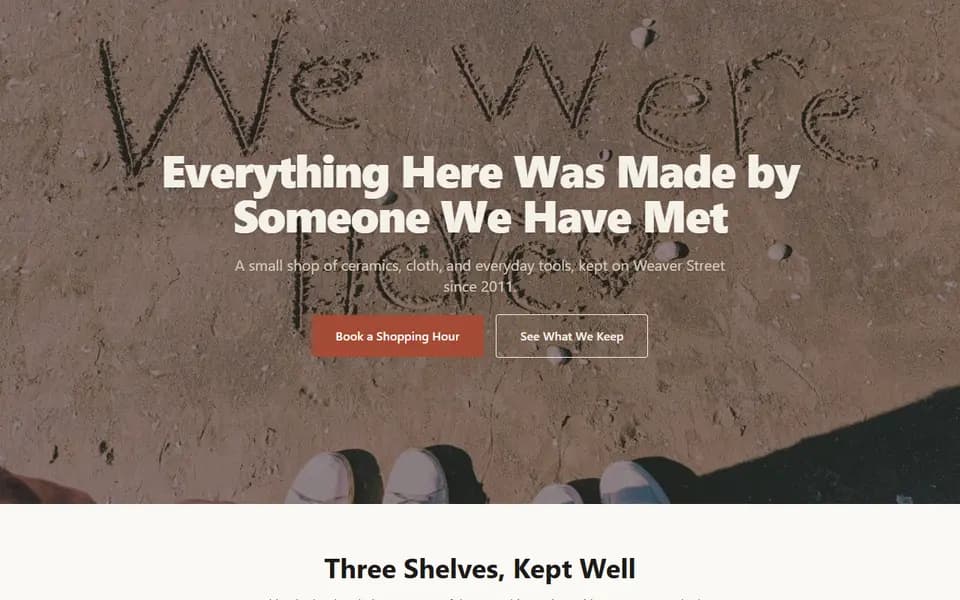
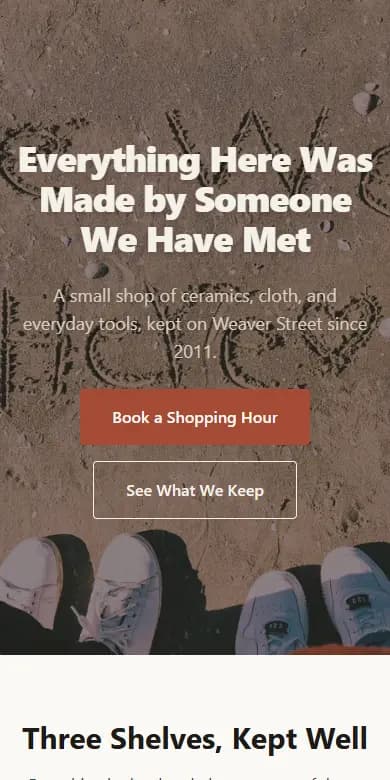
Kestrel & Loom Shopfront
A shop page that shows what is on the shelves and the people who make it, then tells visitors when you are open and where to find you.
- Shopfront photo header
- Collections and a lookbook
- Makers carousel
- Your shop story
- Opening hours and map
- Enquiry form
Opens in the editor with no account needed. Save it to a free account when you are happy.
Questions people ask
Can customers pay by card on my Acyera shop?
Not on the site itself. Orders arrive by WhatsApp or email and you agree payment with the customer. If you already use a payment provider, you can put its payment link on a button.
How do I receive orders?
When a customer checks out, the cart either opens WhatsApp with a message listing every item and the total, ready to send to your number, or sends their order to your email address.
Which plan do I need for an online store?
Essential ($4.99 a month) or above. The free plan is one page with basic blocks, and can show paid sections for 21 days after your first publish.
Free guides
Start your website today
Describe your business and get a first page in under a minute, or start from a template. It is free to start.